

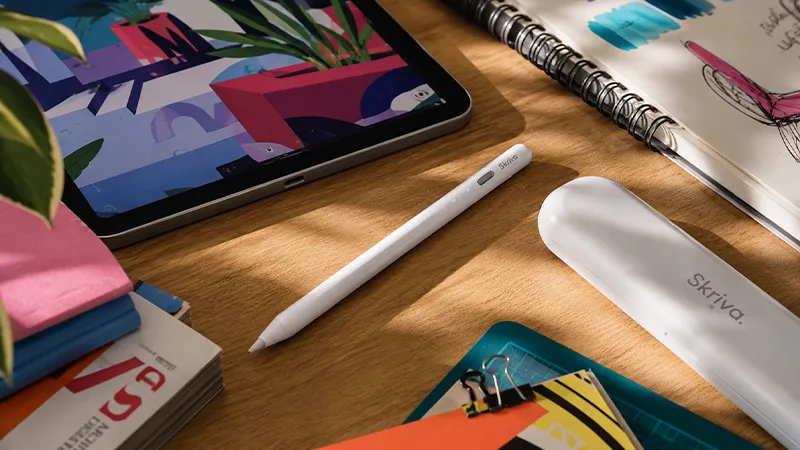
An iPad can be a notebook, drawing board, work tool, and calendar in one device. But when you want to write longer texts by hand, mark up a document precisely, or sketch out an idea, your fingertip rarely goes very far.
That is where an active stylus comes in. Skriva Stylus is designed for iPad models from 2018 onward and combines palm rejection, tilt support, magnetic storage, and fast charging via USB-C. What matters is not just which features it has, but what they actually do when the pen is used during a lecture, a client meeting, or a quiet evening sketch session at home.
More Than Just a Screen Pen
A simple capacitive stylus essentially mimics a finger. It can work for tapping buttons and making rough marks, but the tip is often broad and control is limited. An active stylus has its own electronics and is built to deliver much better precision when you write and draw. That is especially noticeable in small letters, straight lines, and details where a few millimeters make a difference.
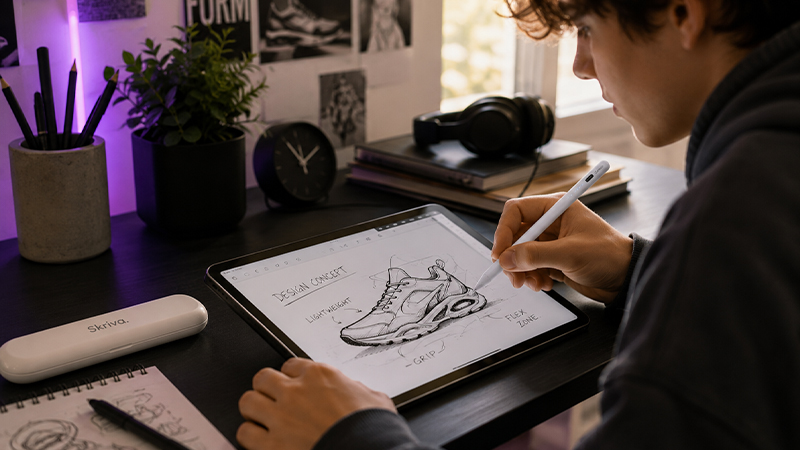
Skriva Stylus does not need to be paired via Bluetooth for basic use. You activate the pen with the button on top and can start writing in a compatible app. That keeps setup to a minimum: take out the pen, turn it on, and pick up where you left off. The built-in battery indicator also helps show when it is time to charge.
Palm Rejection Makes the Difference Day to Day
Palm rejection, often called Palm Rejection, is one of the most important features of a modern iPad pen. It lets you rest your hand on the screen while writing, much like on regular paper. The iPad then separates the pen input from your hand and reduces the risk of accidental marks and touches.
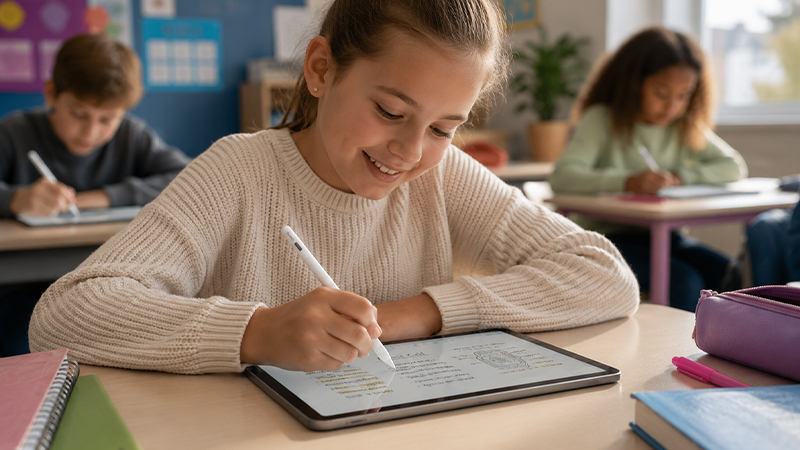
It sounds like a small technical detail, but it quickly becomes essential during longer sessions. If you are sitting through a lecture or filling several pages in a note-taking app, you do not want to keep your hand hovering above the glass. With palm rejection support, your grip can be more relaxed and your attention can stay on what you are writing, not on how you have to hold your hand.
Tilt Support Gives You More Control Over Strokes
Tilt support detects how the pen is angled against the screen. In apps and tools that support the feature, a low angle can create a broader or softer stroke, while a more upright pen produces a narrower line. The principle is similar to using the side of a pencil tip for shading.
That is useful for illustrations, but not only for artists. You can get a more natural result when sketching a flowchart, highlighting an area, or adding a quick shadow to an idea sketch. The result depends on which app and drawing tool you use, so tilt support should be seen as something the app can take advantage of, not as something that automatically changes every stroke everywhere.
Battery and USB-C for a Full Workday
Skriva Stylus offers up to 12 hours of battery life, which is normally enough to get through a workday or study day. When the battery runs out, the pen charges via USB-C in about 15 minutes. The USB-C connection is practical because the same type of cable is already used for many modern iPad models, computers, and chargers.
After five minutes of inactivity, the pen shuts off automatically to save power. That is especially useful when the workday consists of short note-taking sessions with breaks in between. The magnetic attachment on compatible iPad models also lets the pen be stored along the side of the tablet. The magnet is for storage, not wireless charging - charging always happens through the USB-C port.
Precision and App Support in Practice
A stylus is most useful when it fits into the apps you already work in. Skriva Stylus can be used for handwriting, drawing, and marking up content in iPad apps that accept pen input, such as Apple Notes, Goodnotes, Notability, OneNote, Freeform, Concepts, and various PDF apps. Which special features work can vary between apps and tools.
In practice, the same pen can carry you through several parts of the day: handwritten notes in the morning, comments in a PDF before lunch, and a quick idea sketch in the afternoon. Skriva Stylus has tilt support but no pressure sensitivity. For notes, markup, and everyday sketching, that is rarely a major limitation, but professional illustrators who control brush size or opacity with pen pressure should choose a solution with explicit pressure sensitivity support.
Thoughtful Storage and Accessories from the Start
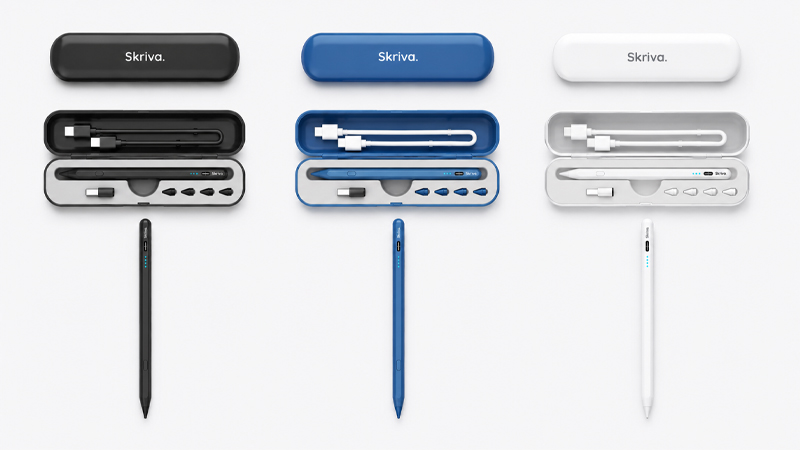
The pen itself is only part of the everyday experience. Skriva Stylus comes with a color-matched protective case, so the pen, spare tips, and charging accessories can be kept together in your bag. It is a simple detail that reduces the risk of a small adapter or extra tip going missing when the pen travels between home, school, and the office.
The package includes four improved spare tips, a USB-C to USB-C cable, and a USB-C to USB-A adapter. Tips are consumable parts, and the feel can change after long use, especially for anyone who writes for hours or uses a screen protector with a paper-like surface. Being able to replace the tip without first searching for the right accessory makes the package more complete over time.
For Study, Work, and Everyday Creativity
Skriva Stylus is aimed mainly at anyone who wants to take notes, comment on documents, plan projects, and sketch ideas without paying for advanced features that may never be used. For a student, that can mean writing directly in course material. In the office, the same pen can be used for meeting notes, digital signatures, or comments in a presentation.
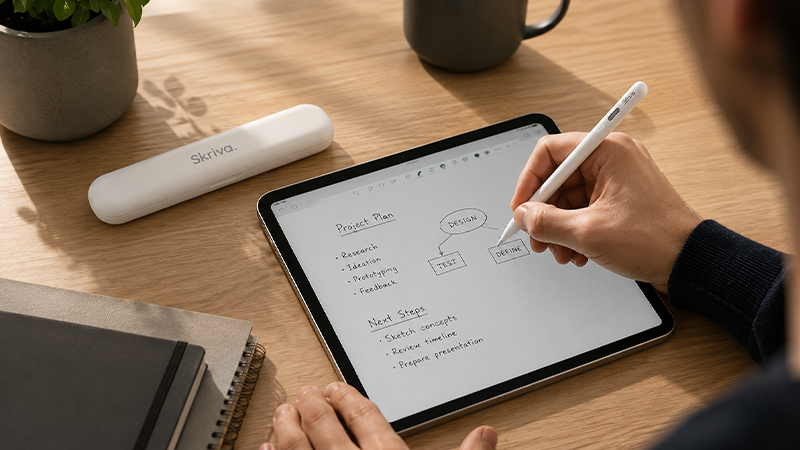
For more demanding illustration, there are pens with pressure sensitivity, haptic feedback, and other creative special features. Skriva instead chooses a more everyday combination: palm rejection, tilt support, up to 12 hours of battery life, fast USB-C charging, and a complete accessory package. That makes it a clear option for users who want the core features of a modern stylus and an easy path from the box to the first note.
Summary
A good iPad pen should ideally disappear from your thoughts when you use it. Skriva Stylus is built around the very features that make that possible: precision, palm rejection, tilt support, and a battery that lasts through long sessions. USB-C charging and automatic shutoff also mean the pen needs very little attention between uses.
The lack of pressure sensitivity means it is not meant to replace the most advanced pens for professional illustration. For notes, document work, study, and everyday creativity, however, the balance is easy to understand. You get an active stylus for iPad from 2018 onward, along with a case, charging accessories, and four spare tips in the same package.
Frequently Asked Questions About Skriva Stylus
Does Skriva Stylus work with all iPads?
Skriva Stylus is designed for iPad models from 2018 onward. Always check the exact iPad model before buying, especially if the device is older or if you are unsure of the model year.
Does Skriva Stylus have palm rejection?
Yes. The feature lets you rest your hand on the screen while you write or draw, giving you a more natural working position and reducing the risk of accidental input.
Is Skriva Stylus pressure sensitive?
No. The pen has tilt support but not pressure sensitivity. That mainly affects advanced illustration, where brush size or opacity is controlled by how hard the pen is pressed against the screen.
How is Skriva Stylus charged?
The pen charges via USB-C in about 15 minutes and offers up to 12 hours of battery life. It turns off automatically after five minutes of inactivity.
What is included in the box?
You get Skriva Stylus, a color-matched protective case, four improved spare tips, a USB-C to USB-C cable, a USB-C to USB-A adapter, and a user manual.